ELENA DIMOV

Retail Installation

This project is a retail installation that consists of three screens:
360˚ Product Showcase ● Dual-Touchscreen Interactive Catalogue ● QR Code Brand Video Experience
All screens are based on the RiverStone brand, creating a real in-store experience.

Project preview

Why this project matters

This retail installation shows how I was able to obtain a consistent layout and theme for my brand. This three-screen installation explores interactivity in different ways to create a fun experience for customers who want to see what the RiverStone brand is all about. The experience consists of three interaction types: hands-free, touchscreen, and QR scanning, allowing users to interact with the brand in a more engaging and meaningful way.

How it came together

Station 1

360˚ Product Showcase

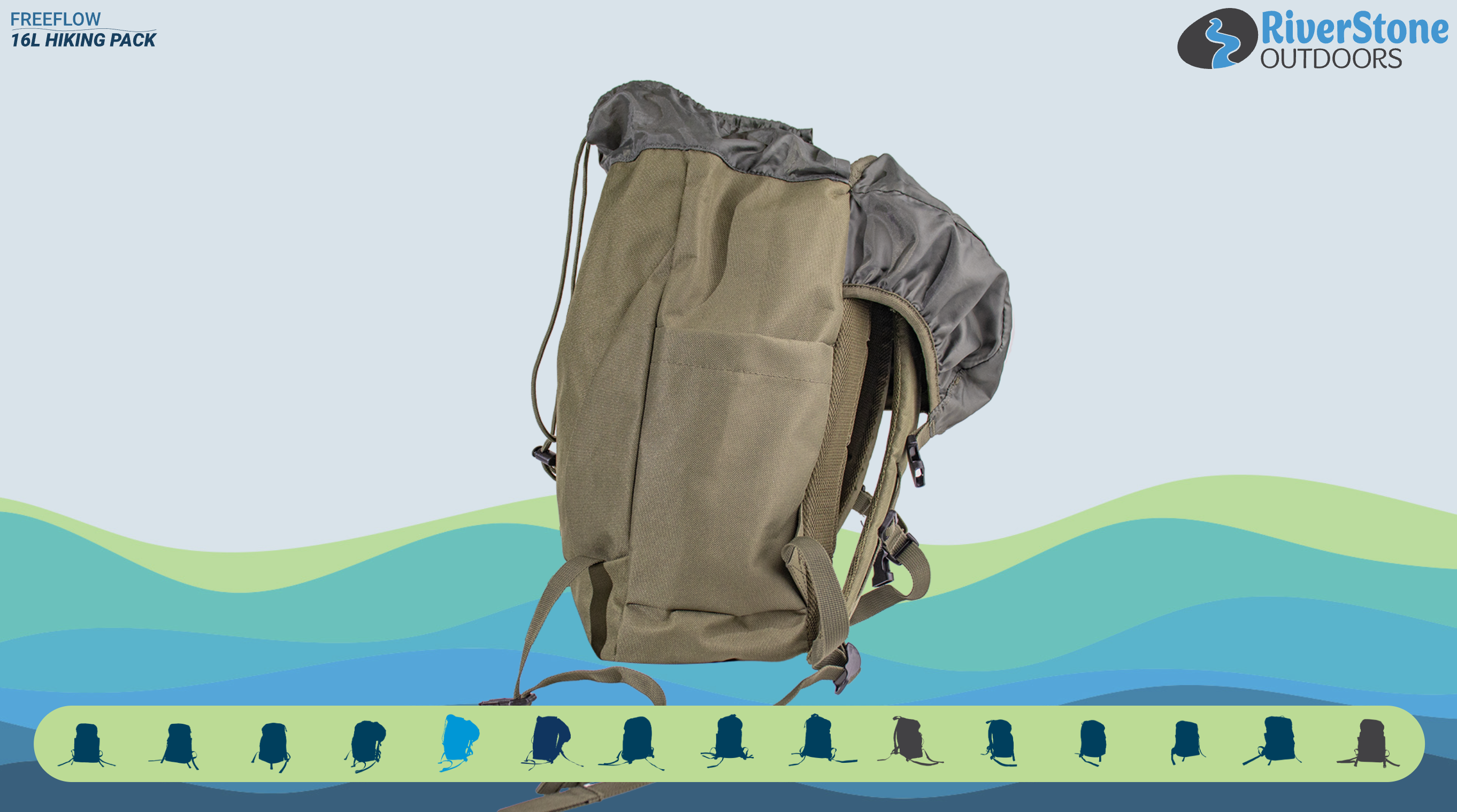
I began by taking photos of the backpack, capturing 15 different angles of the product. Using Photoshop, I removed the background and adjusted the image sizes as needed. I then used the same 15 images to create smaller versions for the navigation bar. Once the images were prepared, I implemented them into the webpage. I also created the stop-point videos in After Effects, ensuring they loop smoothly. The same process was used for the two key feature videos and the screensaver. Additionally, I designed a 10-second countdown that activates when there is no user interaction, triggering the screensaver.

  • After Effects
  • Illustrator
  • Media Encoder
  • Photoshop
  • HTML
  • Ultraleap Touchfree
  • JS
  • GSAP
  • jQuery
  • CSS
Step 1

Nav bar shows all 15 angles of the 360 rotating backpack
Step 2

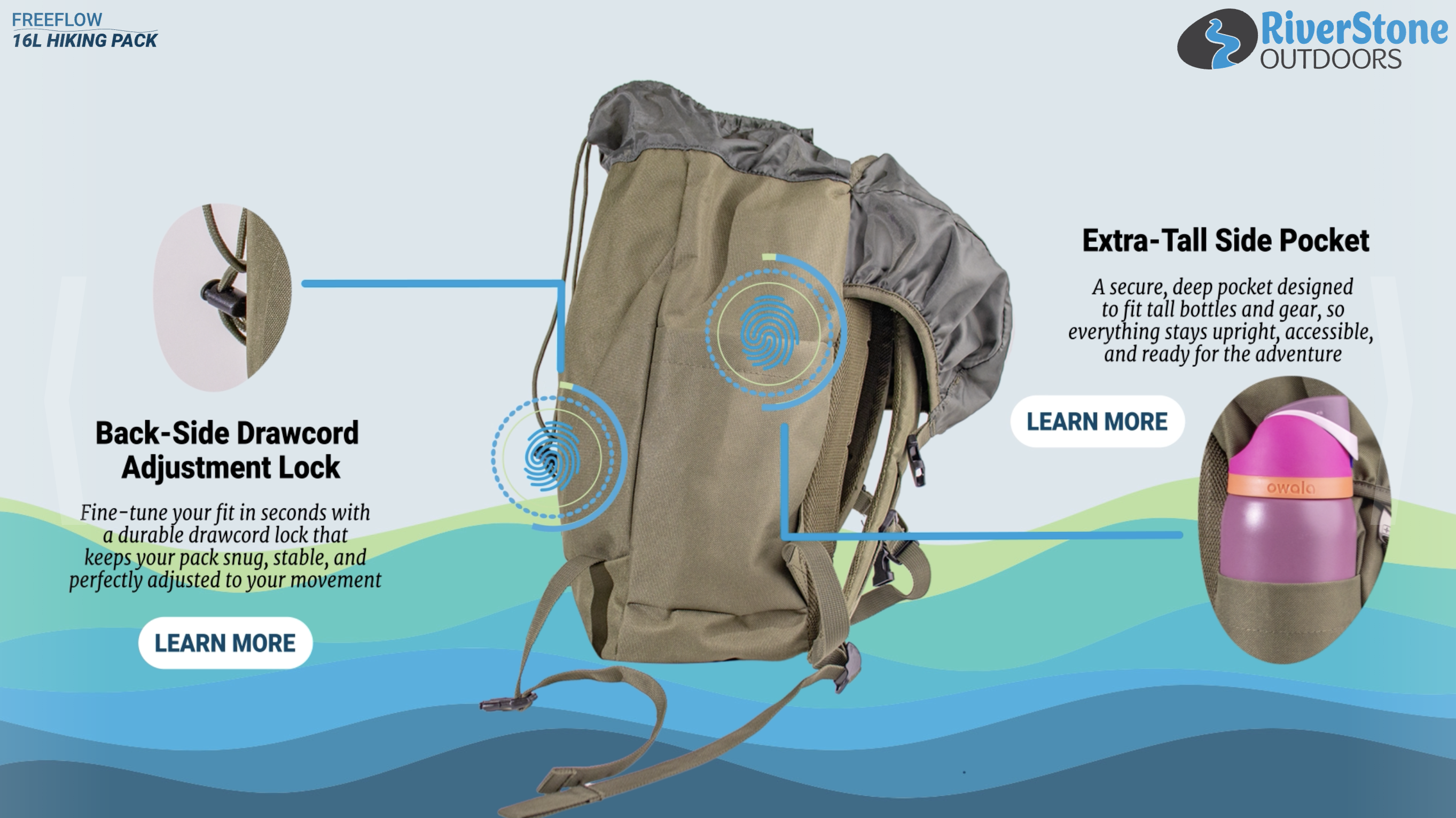
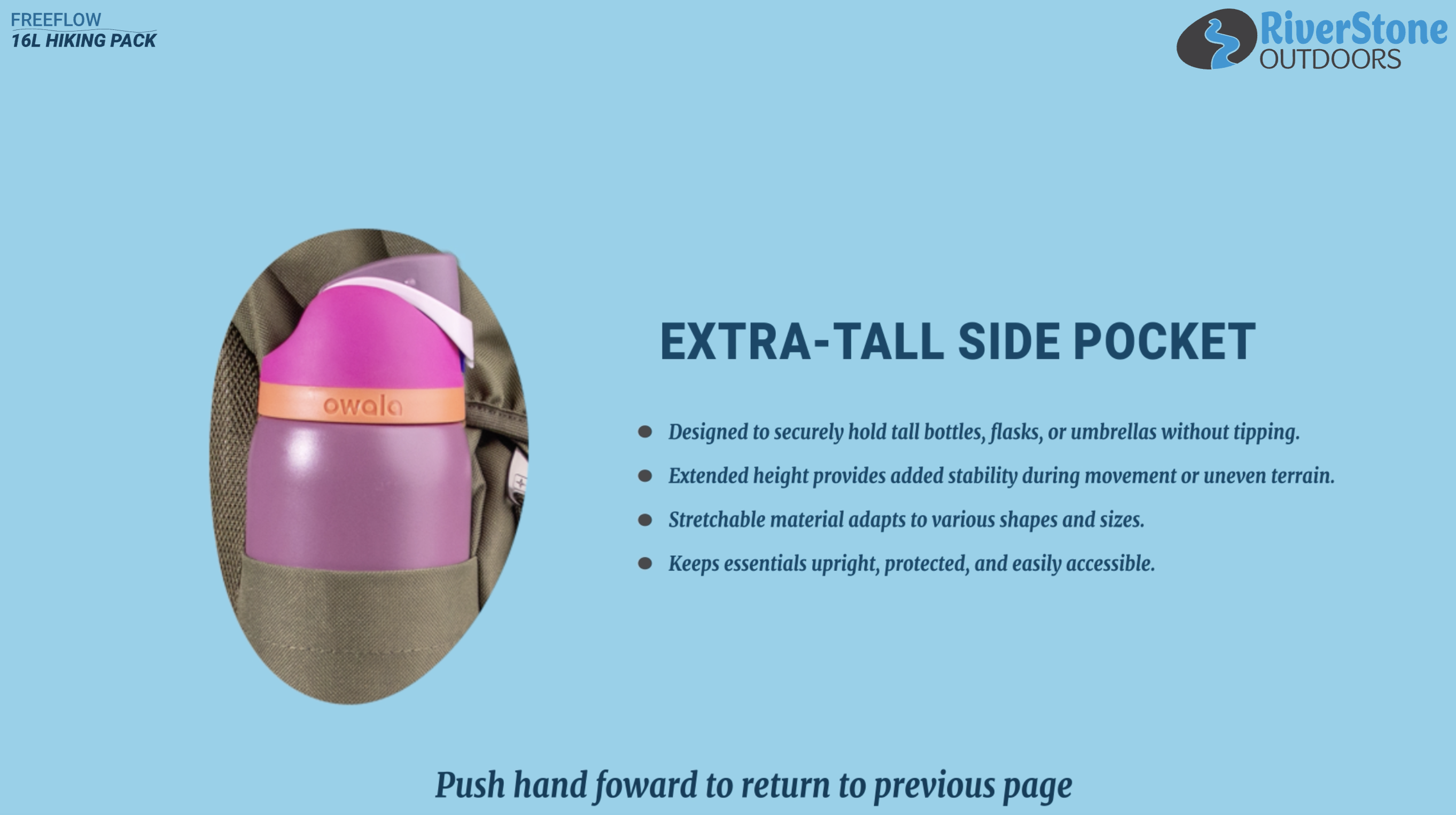
Every 5 angles, there are two special features with a short description and a learn more button
Step 3

The learn more button goes into detail about each feature
Station 2

Dual-Touchscreen Interactive Catalogue

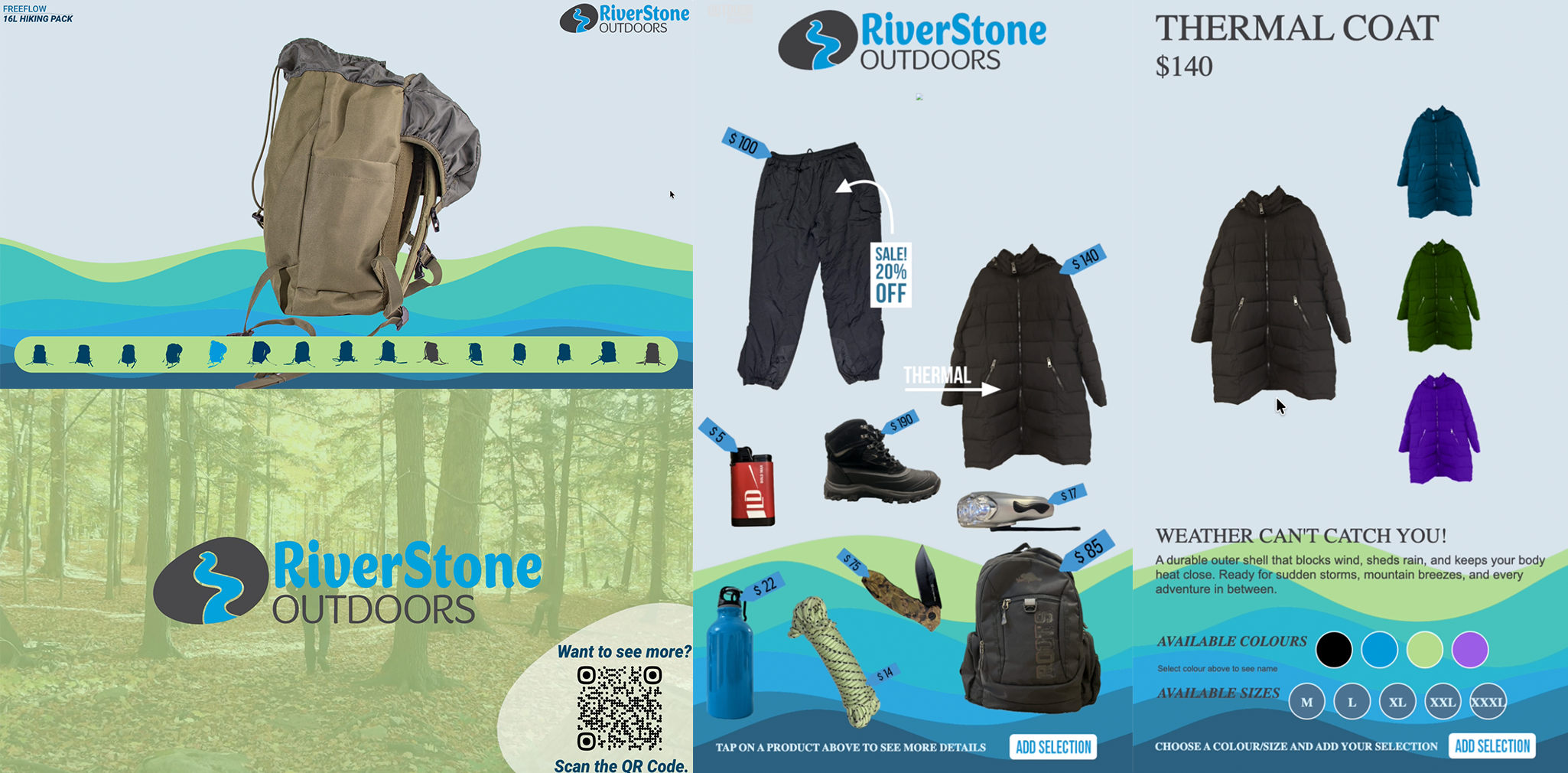
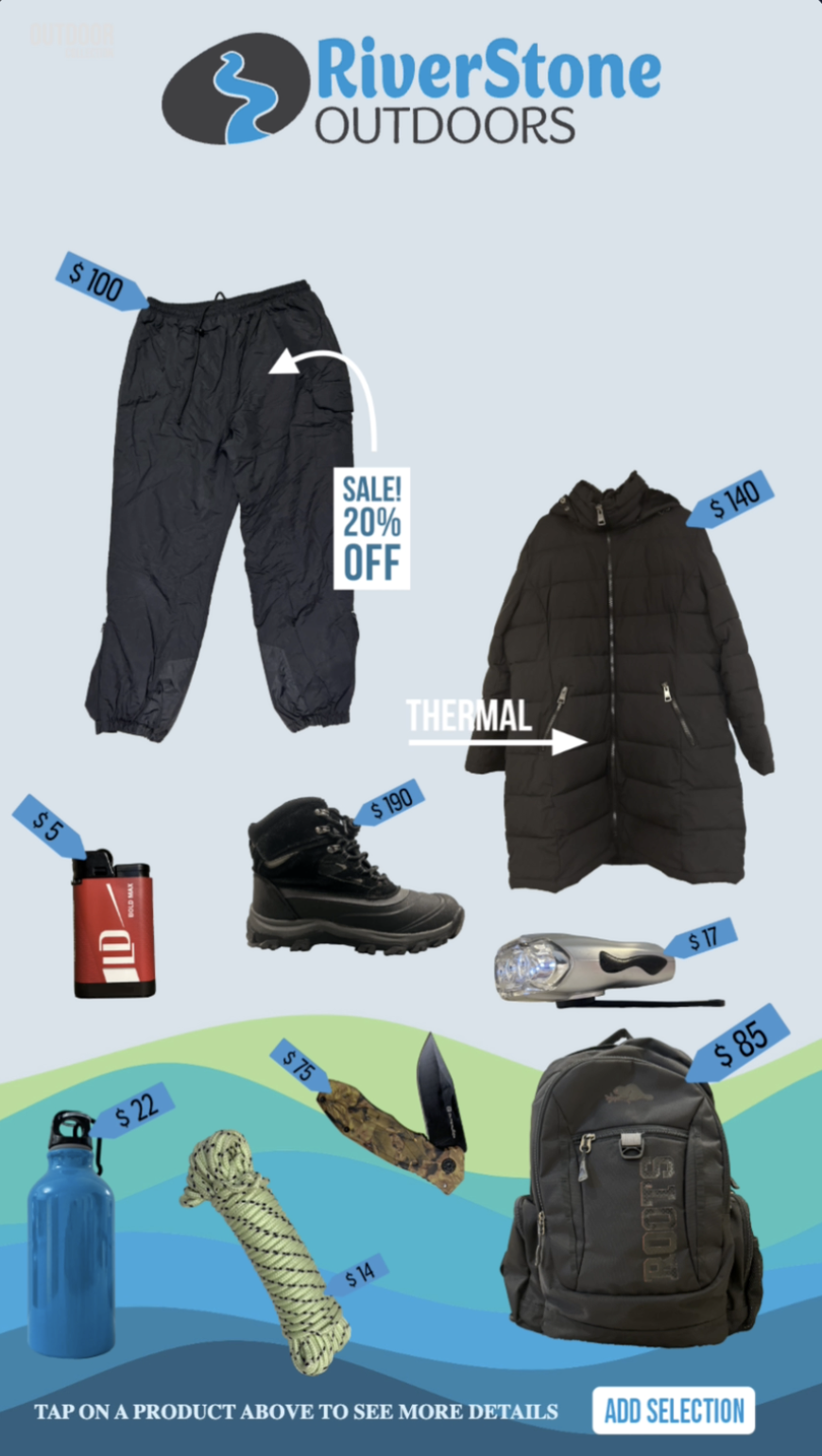
I began by organizing product information, images, and navigation in a clear and structured way. Using Photoshop and Illustrator, I prepared the visual assets, ensuring consistency in sizing, colour, and overall branding. Once the assets were ready, I implemented them into the webpage and designed the interactive elements to ensure they aligned with the branding. I then tested the layout to ensure smooth navigation and a user-friendly experience across both screens. Lastly, I created two screensavers, one for each screen, that activate when there is no user interaction.

  • After Effects
  • Illustrator
  • Media Encoder
  • Photoshop
  • HTML
  • JS
  • GSAP
  • jQuery
  • CSS
Step 1

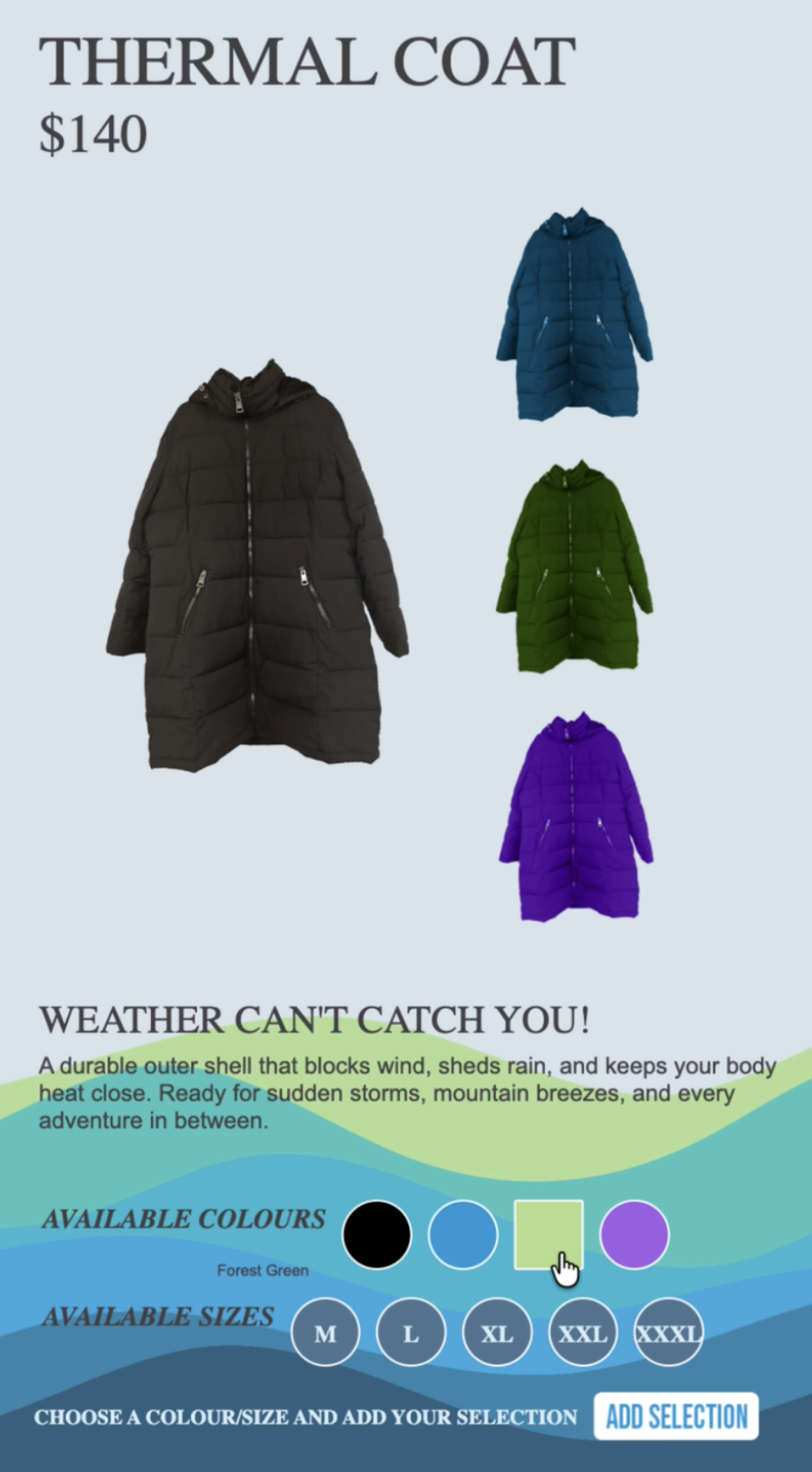
Our items selection

Step 2

Choose your size & colour

Step 3

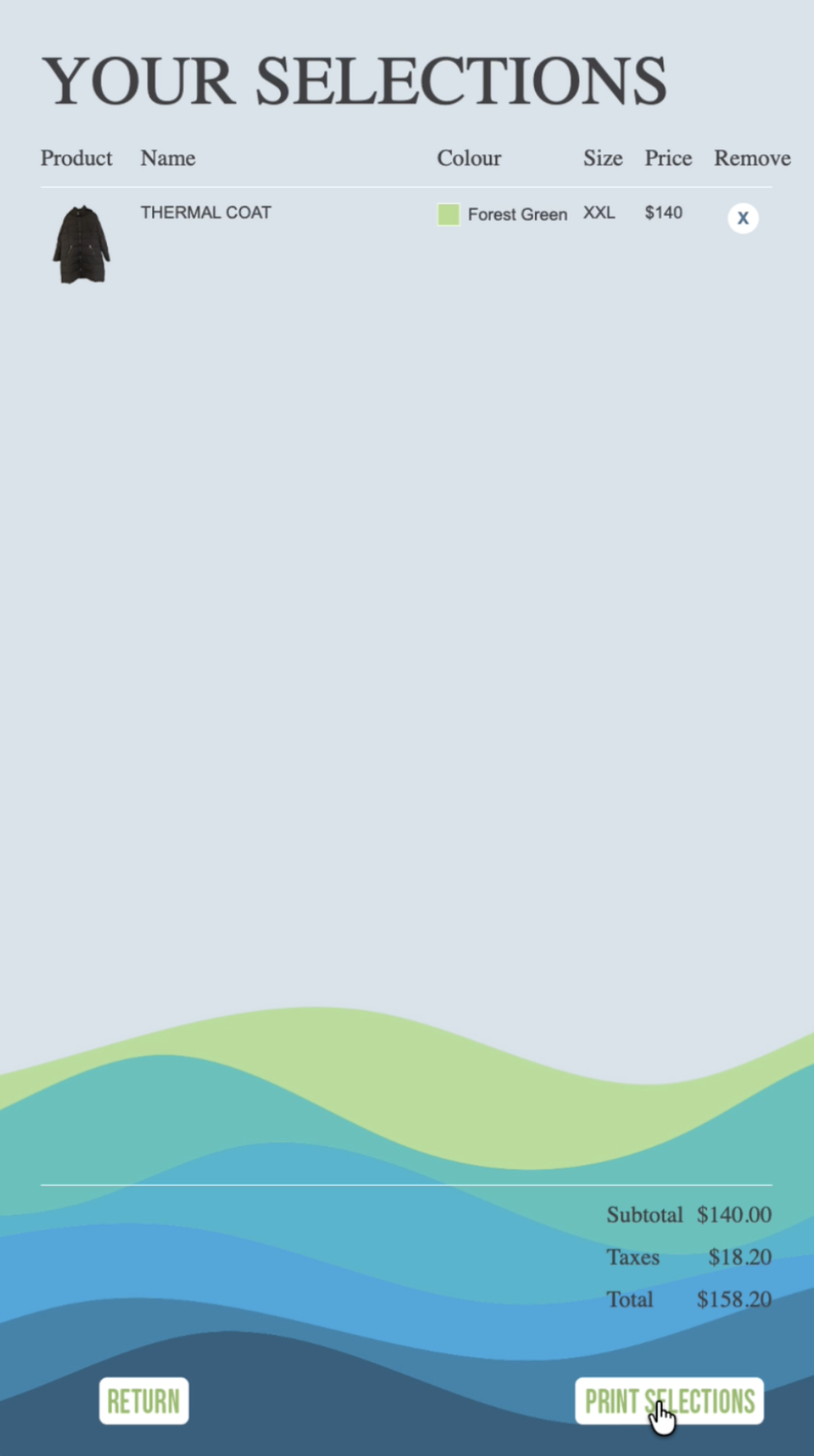
Add all your selections to the cart

Step 4

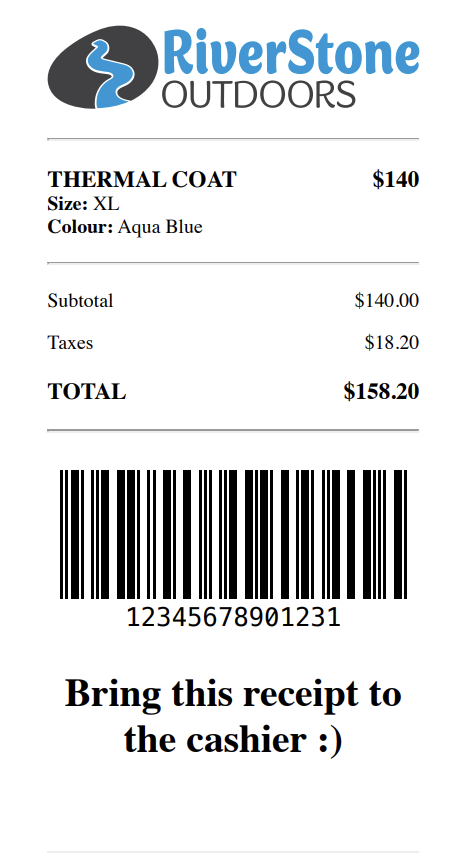
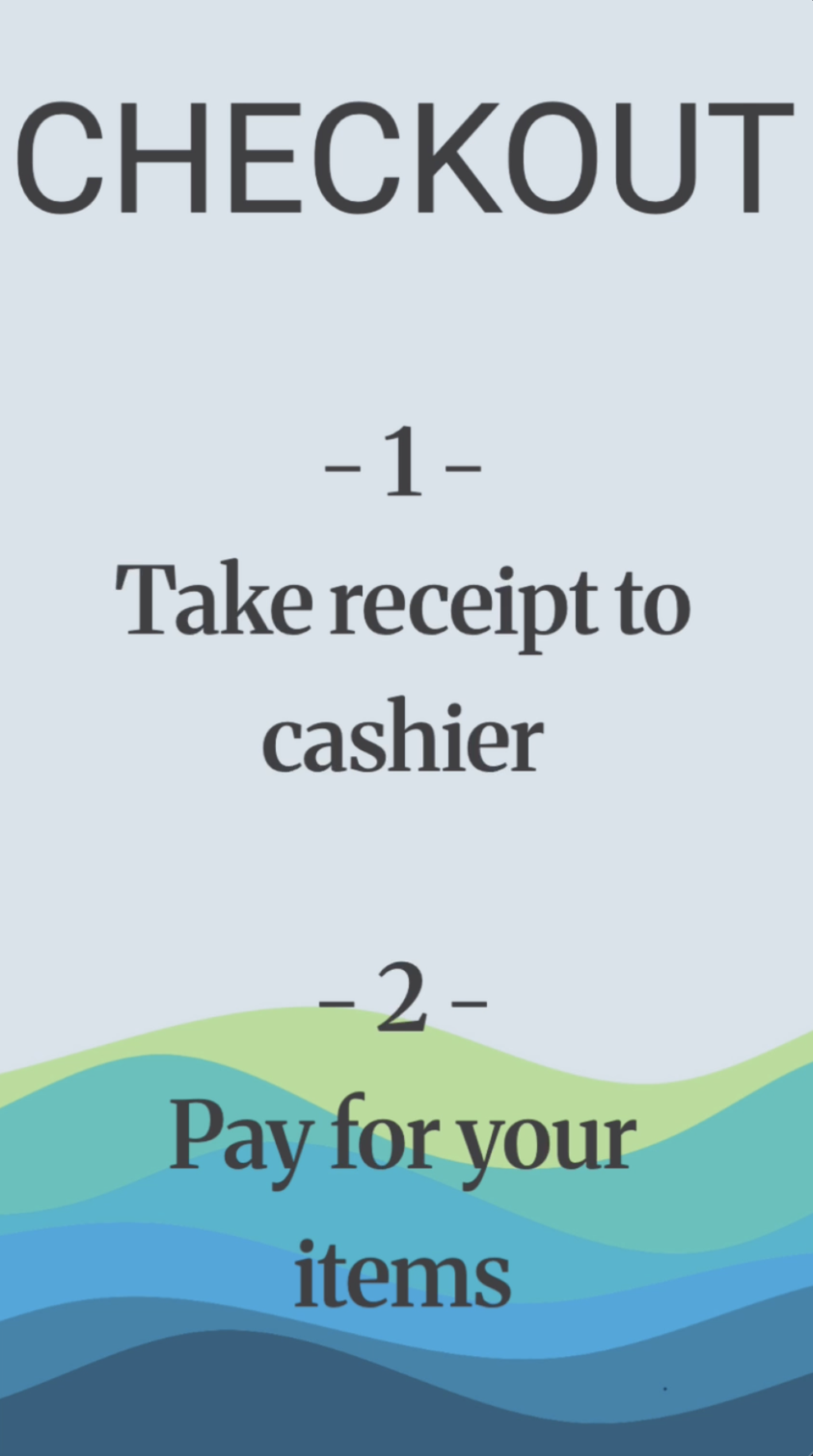
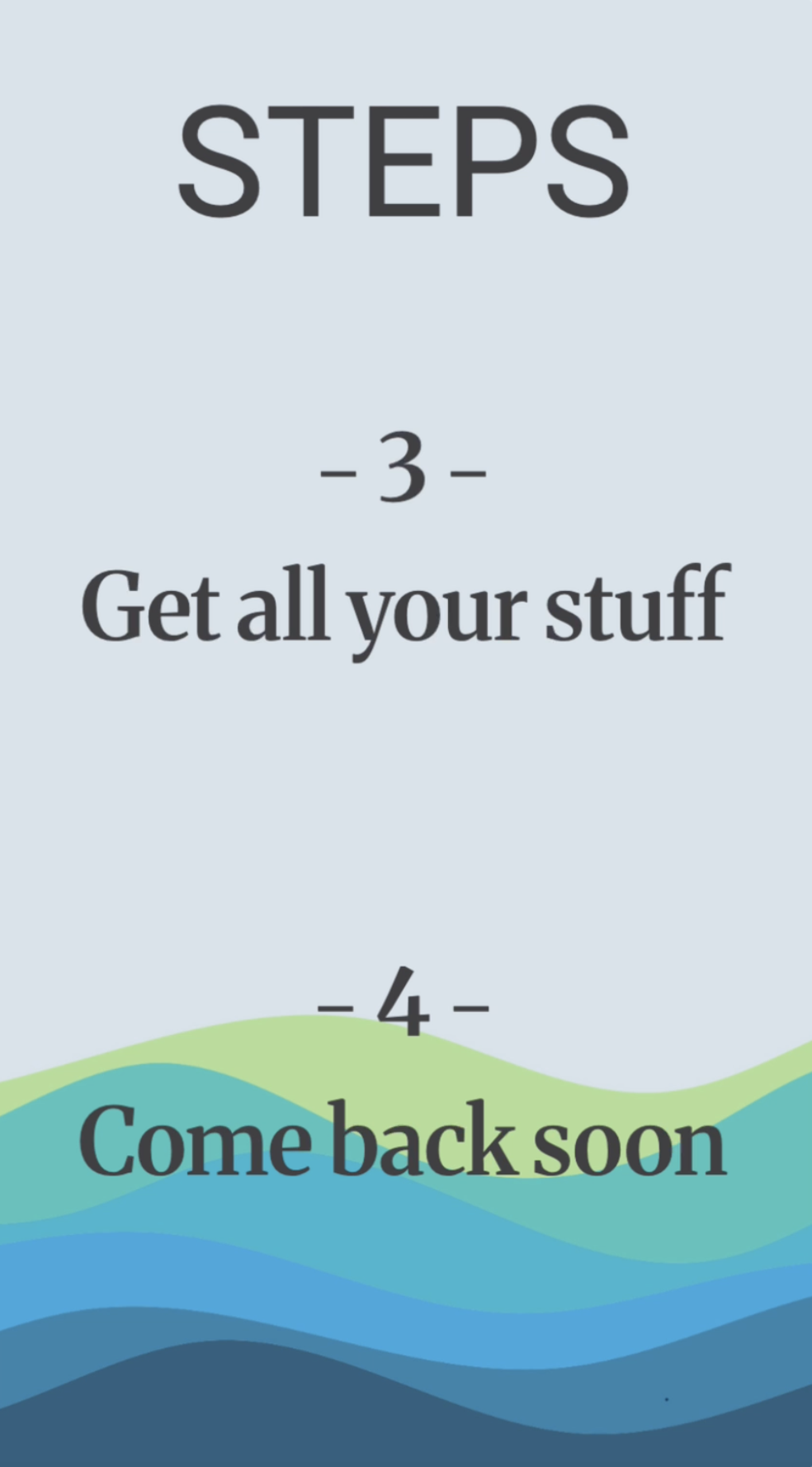
A copy of your reciept, to pay for the items

Step 5

Left screen checkout instructions

Step 6

Right screen checkout instructions

Station 3

QR Code Brand Video Experience

I began by gathering my hiking clips to create the instructional video first, ensuring the QR code remained on screen at all times and was clearly visible and easy for users to scan. I then developed the three brand videos in After Effects, focusing on smooth transitions and maintaining a cohesive visual style. Lastly, I embedded each video and linked them to the appropriate buttons, allowing users to access the content once the QR code is scanned.

  • After Effects
  • Illustrator
  • Media Encoder
  • Photoshop