ELENA DIMOV

Collaborative Project

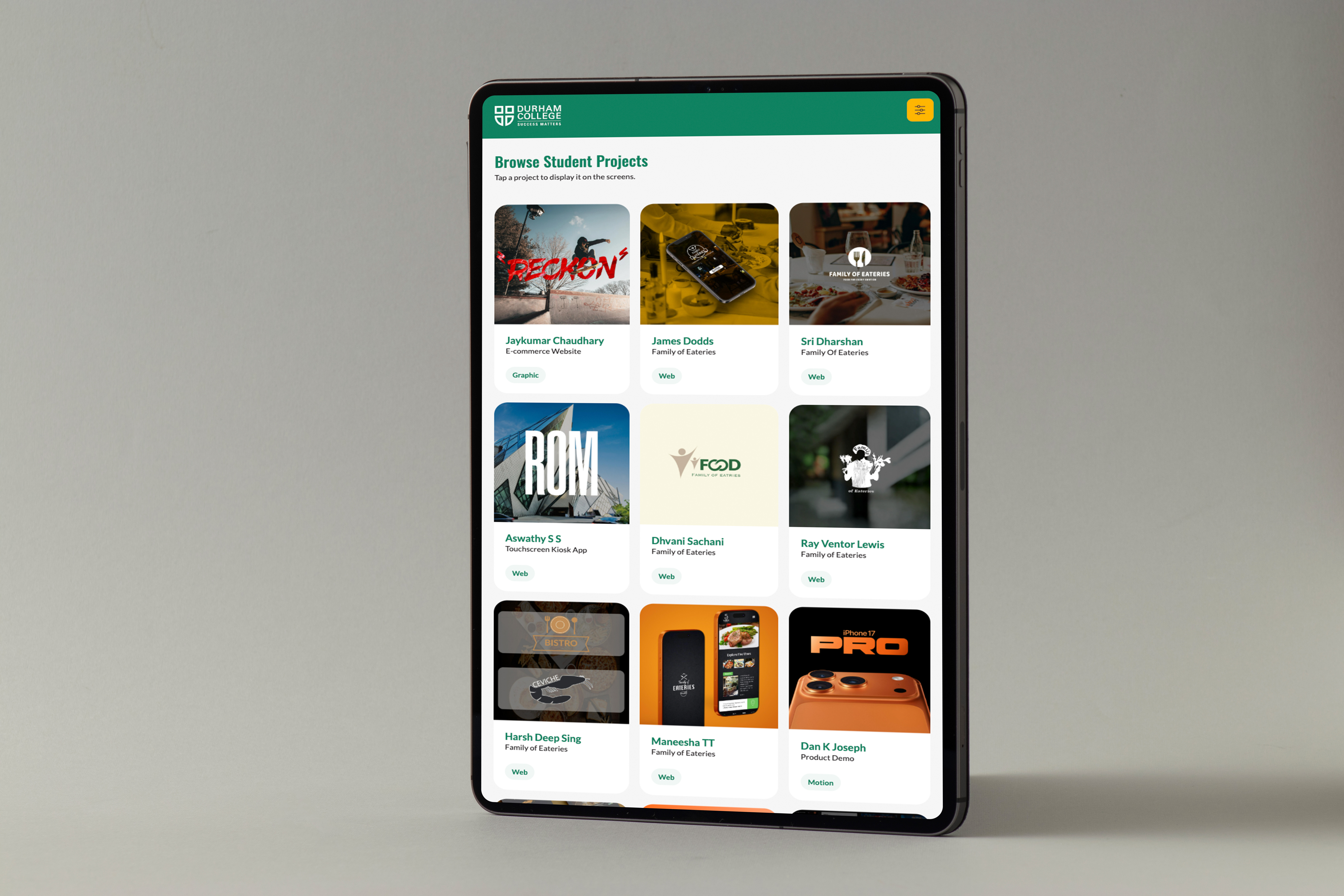
This project was a group project where we created an Interactive Student Showcase system. Users can browse student projects using a tablet and instantly see the content displayed across two screens.

Project preview

Why this project matters

The goal of this project was to work as a team to create a system that is real-time, interactive, and easy to use in a public space. Our team had five members, and each of us had a role in designing, coding, and implementing the system to ensure it functioned online. We worked collaboratively to achieve the project’s goal and complete it within the deadline. We also met with the client/professor once a week, receiving feedback and making adjustments as needed to create the best showcase possible. The challenge we had was coordinating between multiple team members while ensuring all parts of the system worked together smoothly and consistently.

How it came together

Planning

I began the planning process by working with my team to understand the goal of creating an Interactive Student Showcase system and determining who would take on each role. We created a schedule outlining what needed to be completed each week. The UX/UI designer began developing the design and layout, while sharing progress with the rest of the group for feedback.

  • Figma
  • Illustrator
  • Photoshop
  • HTML
  • JS
  • CSS
  • GSAP
Step 1

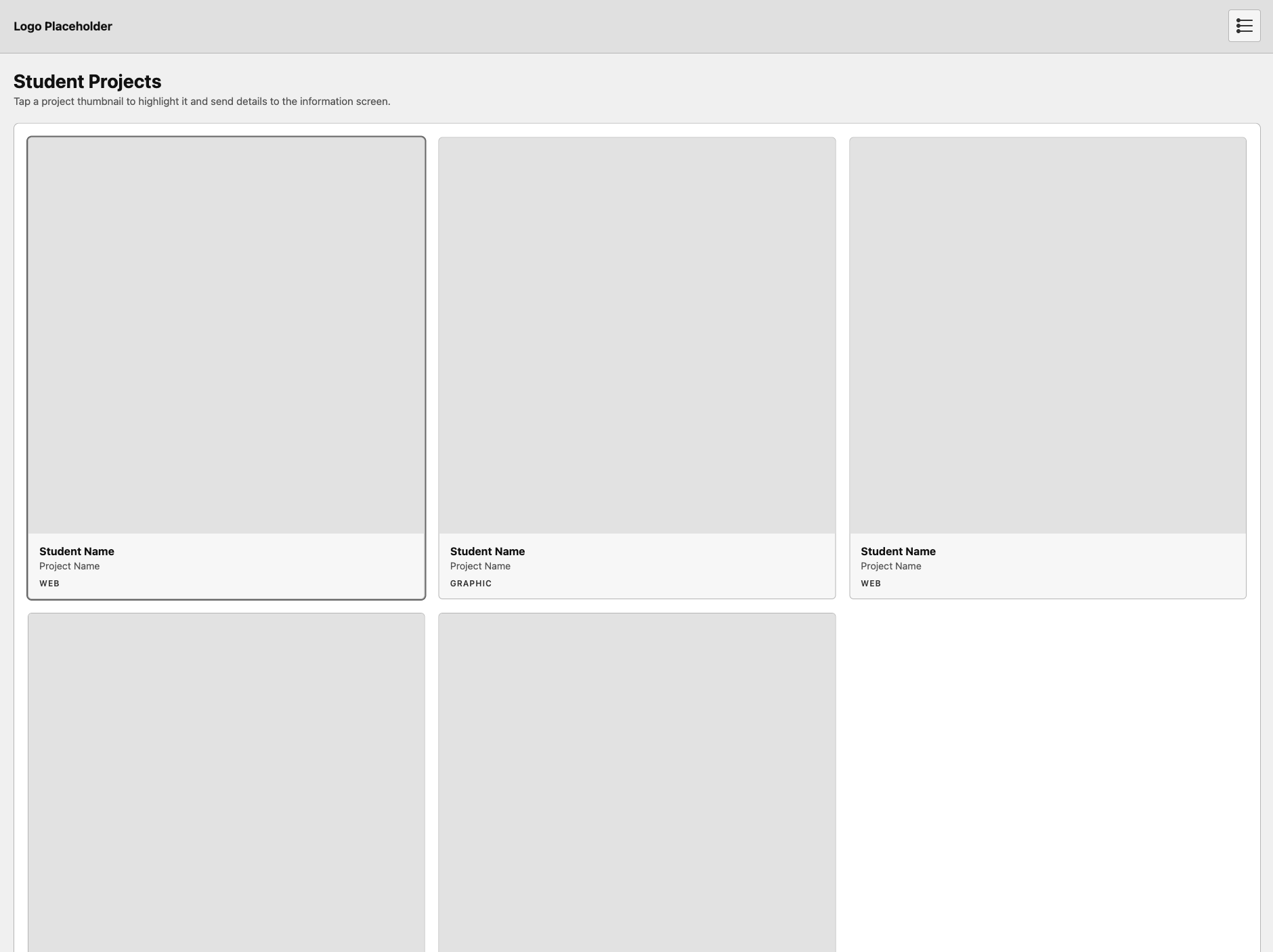
Box Site Tablet Screen

Step 2

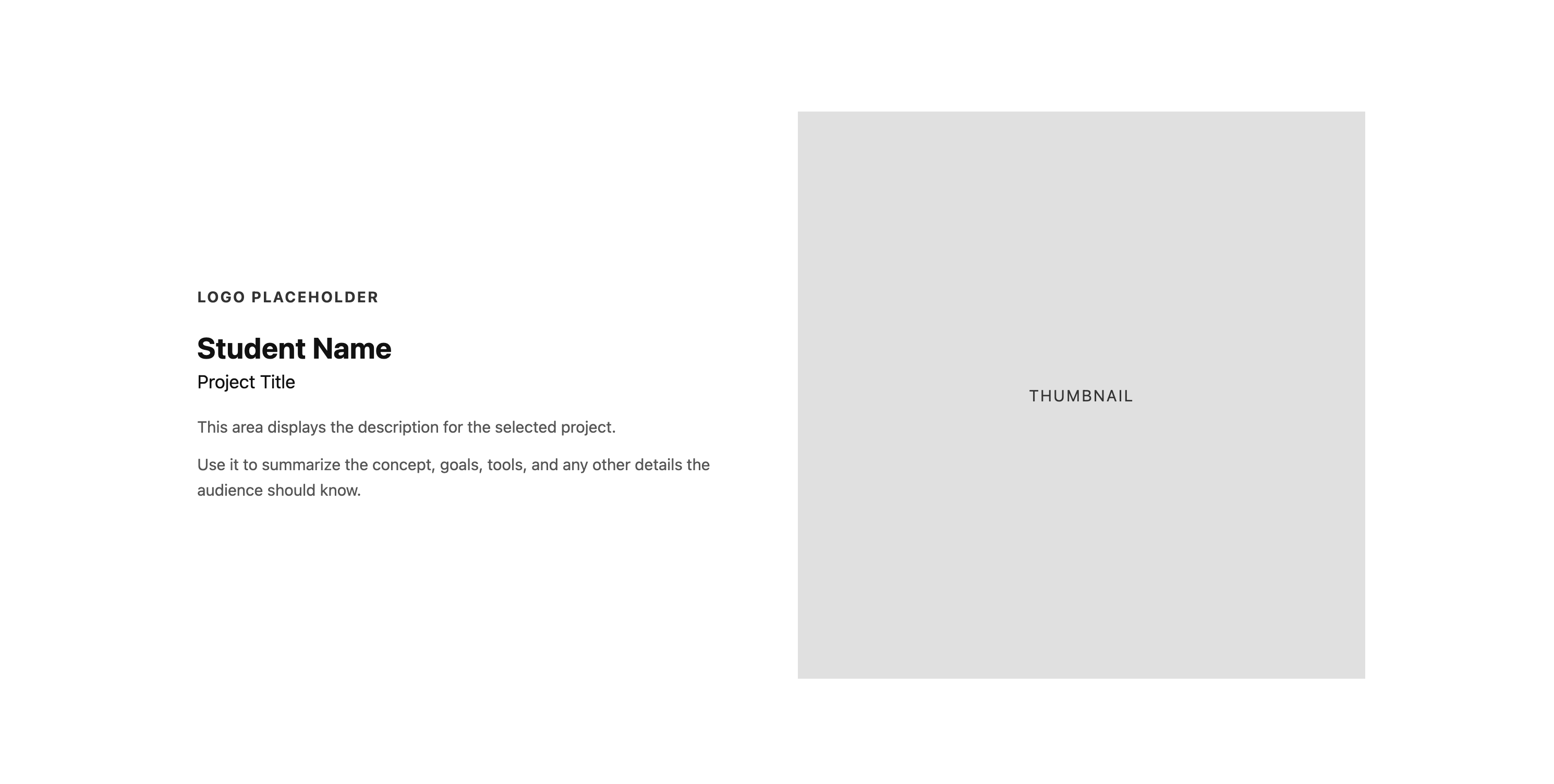
Box Site Left Screen

Step 3

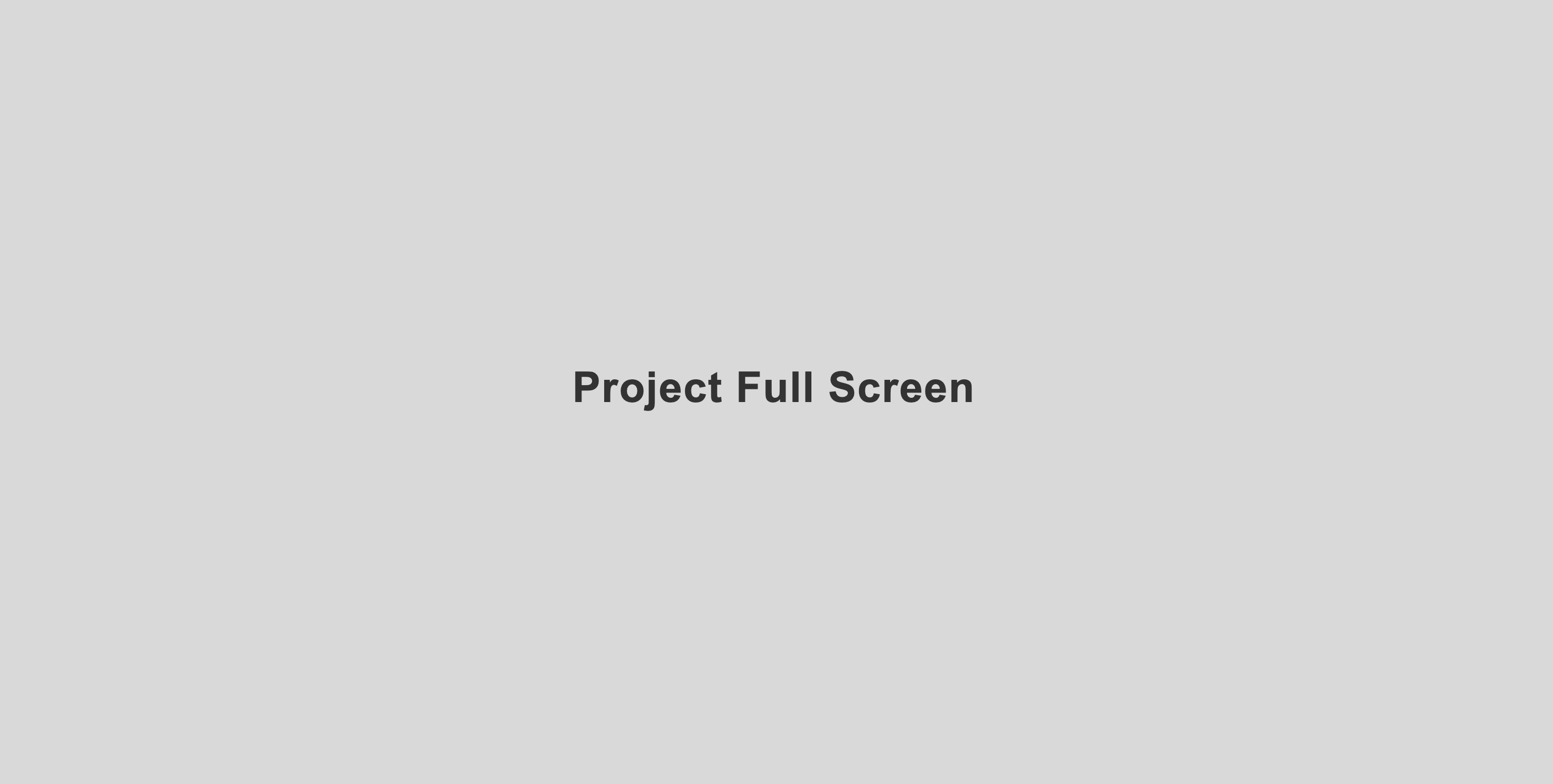
Box Site Right Screen

The Journey

During the project, we worked as a team to design, develop, and implement the system. I worked as the Front-End Developer, focusing on building the HTML structure for both the tablet and TV screens, creating the CSS layout, and ensuring responsive scaling across different displays. I also implemented the UI designs into code while maintaining consistency across both screens.
We focused on making the interaction smooth between the tablet and display screens, allowing users to easily browse and view student projects. One challenge was coordinating between team members and ensuring all parts of the system worked together, so we regularly tested and made adjustments based on feedback to improve the overall experience.

Step 1

Static Tablet Screen

Step 2

Static Left Screen

Step 3

Static Right Screen

Deliverable

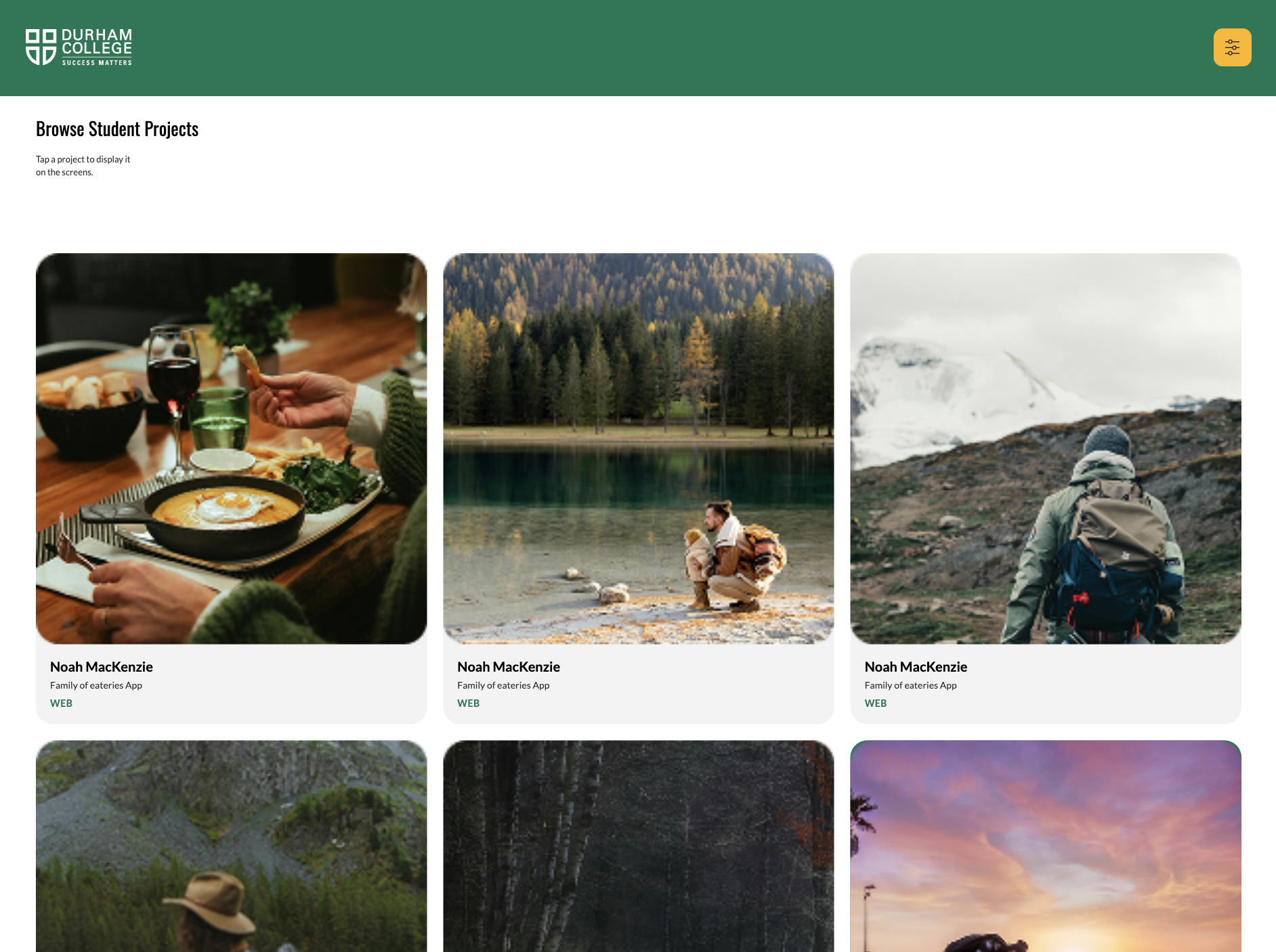
The final system presents an interactive student showcase where users can browse projects using a tablet and instantly see the content displayed across two screens. The design maintains a clear and organized layout while supporting a smooth and responsive interaction. The system includes features such as filtering for easier navigation, inactivity handling with a screensaver, and a responsive layout across screens. Overall, the project demonstrates how a simple display can be turned into an interactive experience suitable for a public environment.

Step 1

Example Tablet Screen

Step 2

Example Left Screen

Step 3

Example Right Screen